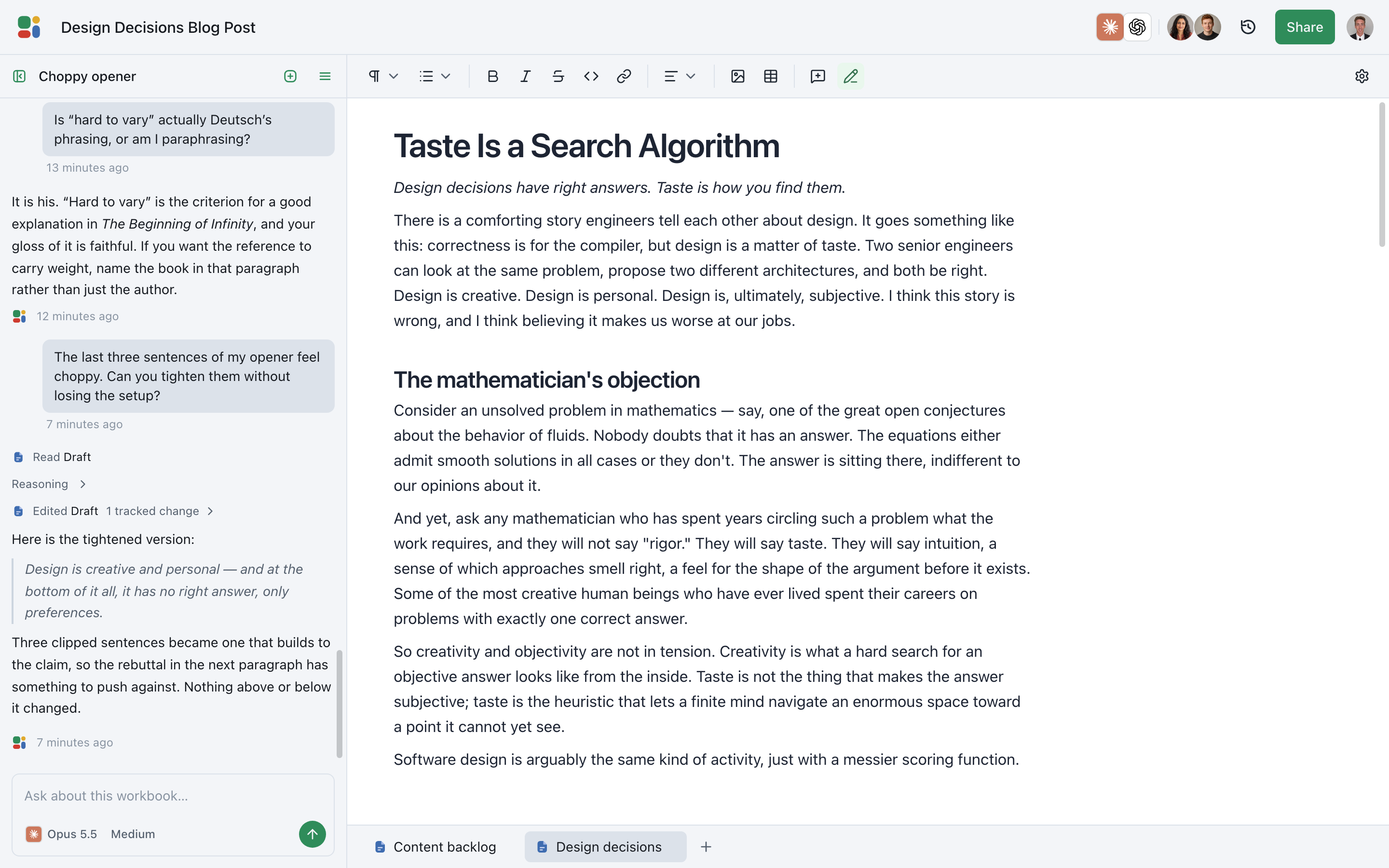
From almost done to just done.
Precise AI tools for writing faster without compromising on quality.
Start freeHow to Do Great Work
Paul Graham · July 2023
If you collected lists of techniques for doing great work in a lot of different fields, where would they overlap? what would the intersection look like? I decided to find out by making it.
Partly my goal was to create a guide that could be used by someone working in any field. But I was also curious about the shape of the intersection. And one thing this exercise shows is that it does have a definite shape; it's not just a point labelled "work hard."
The following recipe assumes you're very ambitious. The way to figure out what to work on is through thinking carefully. by working. If you're not sure what to work on, guess. But pick something and get going.

There's a kind of excited curiosity that's both the engine and the rudder of great work. It will not only drive you, but if you let it have its way, will also show you what to work on.
What are you excessively curious about — curious to a degree that would bore most other people? That's what you're looking for. JL
Collaborative
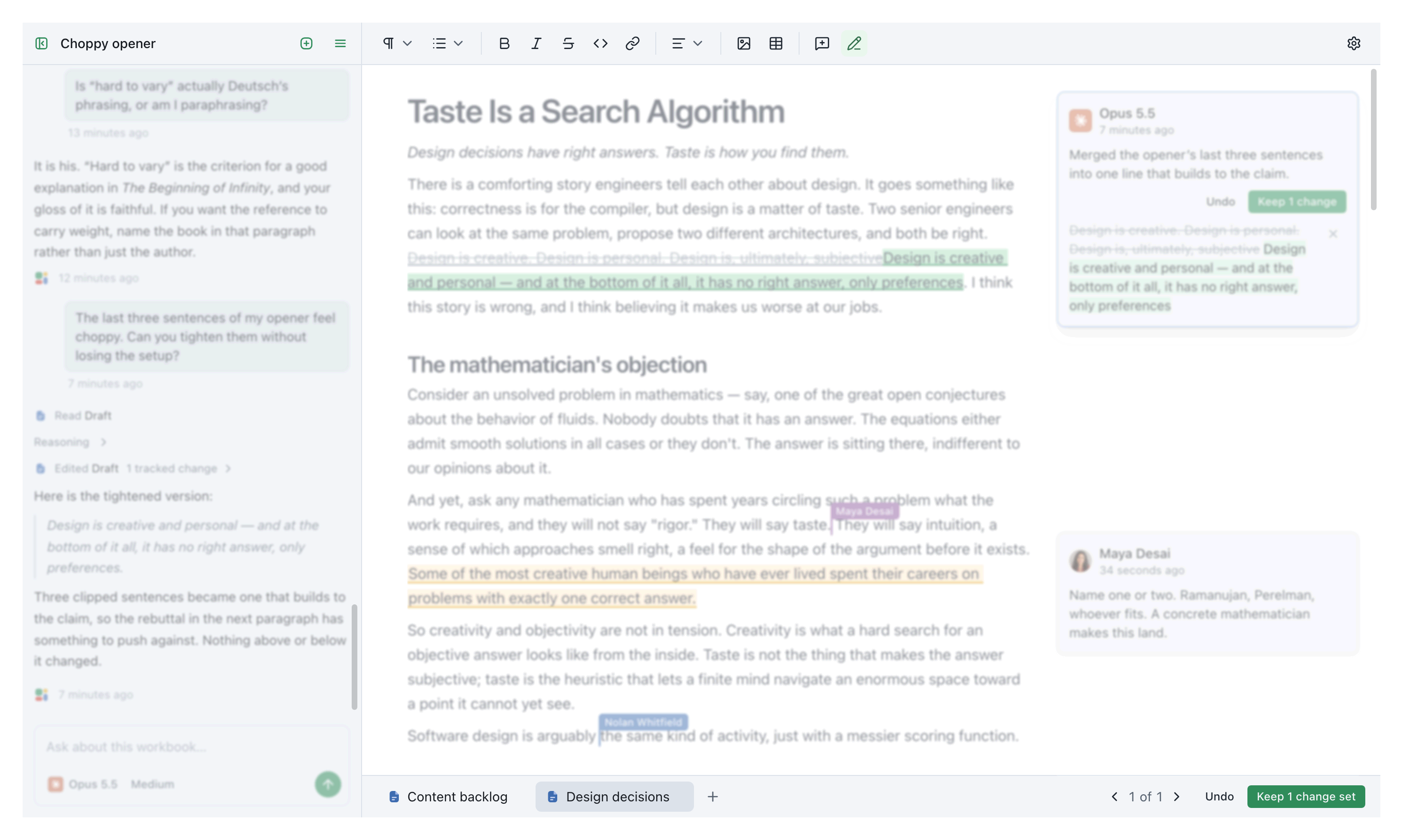
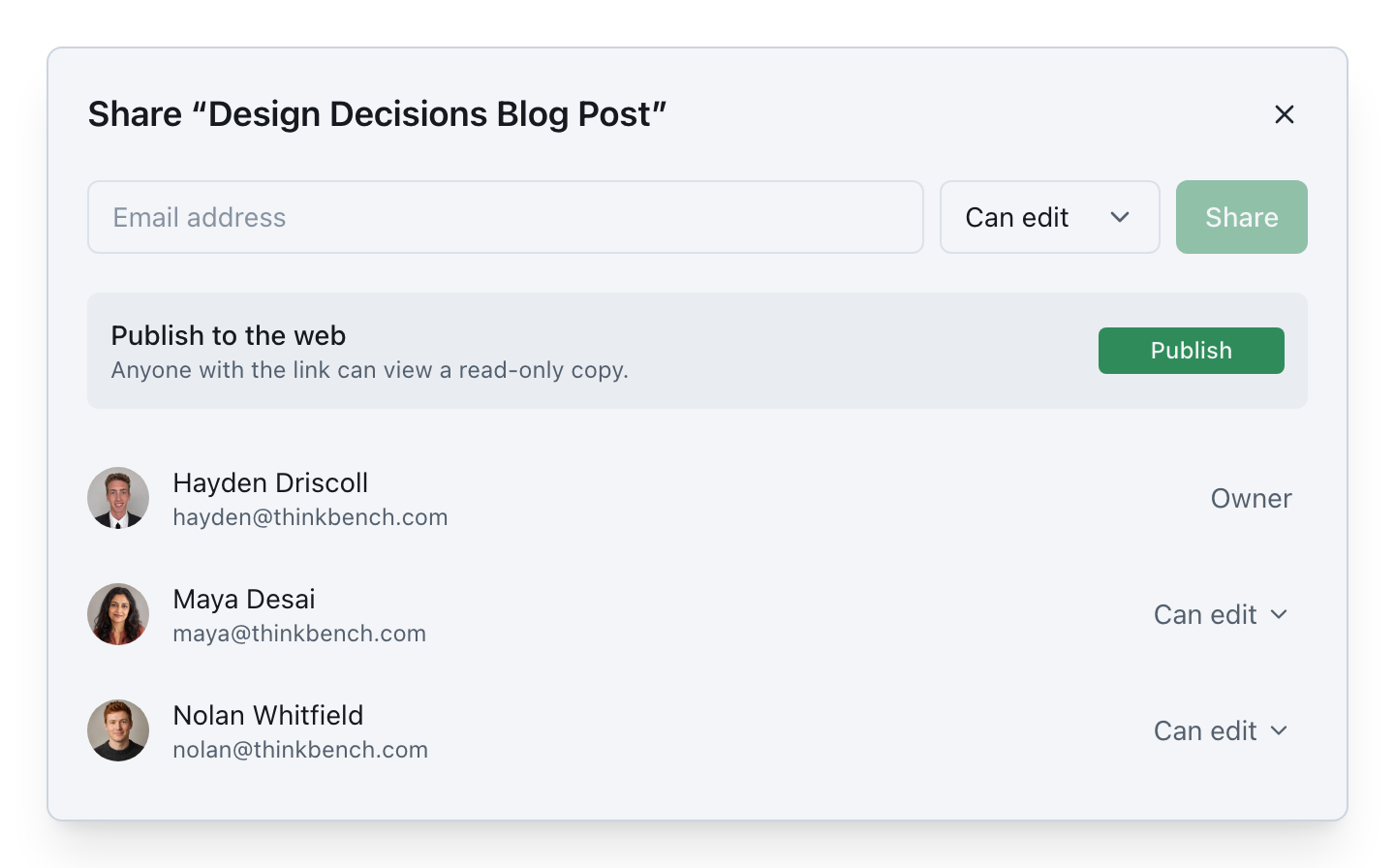
See every collaborator, and every edit, as it happens.
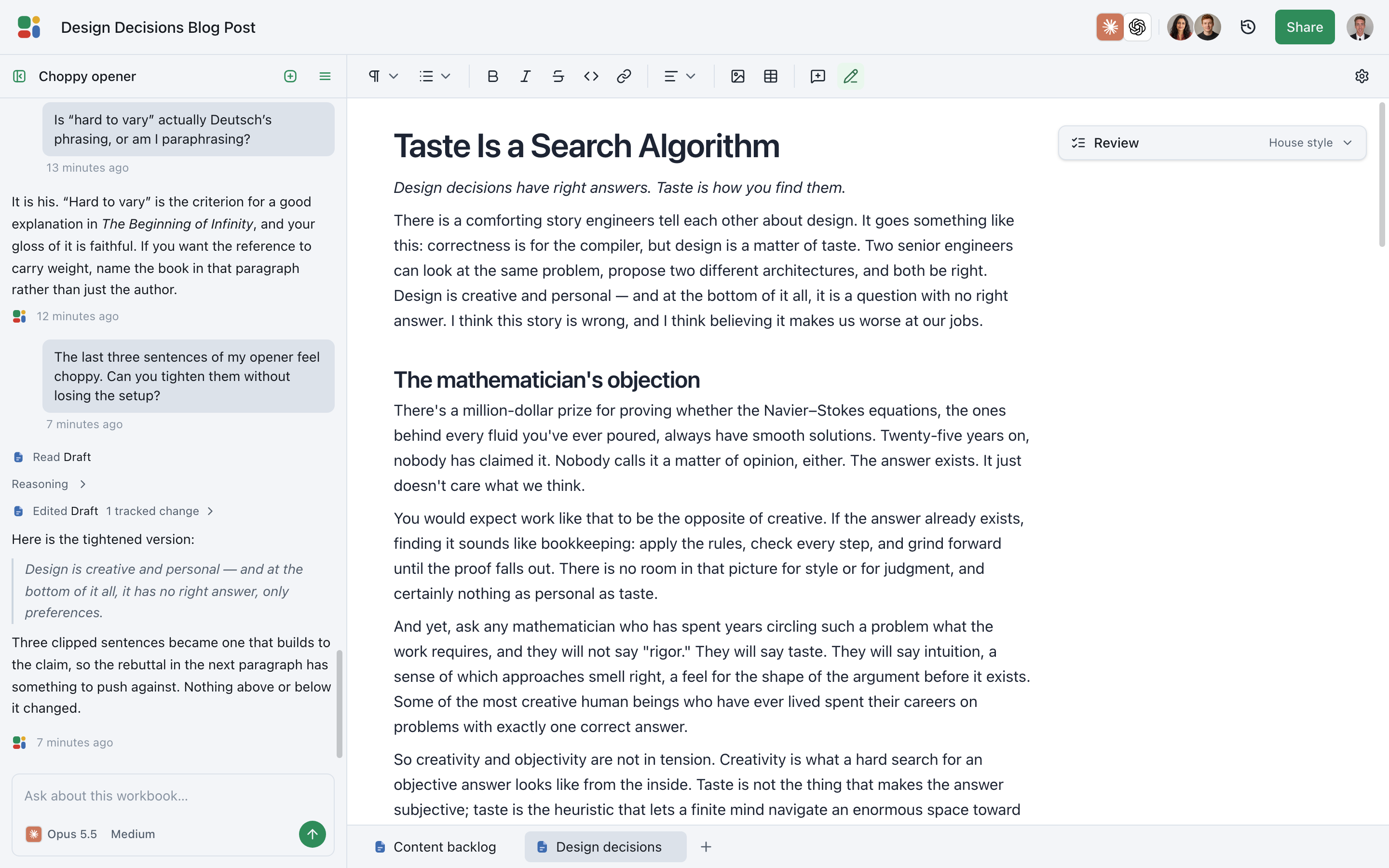
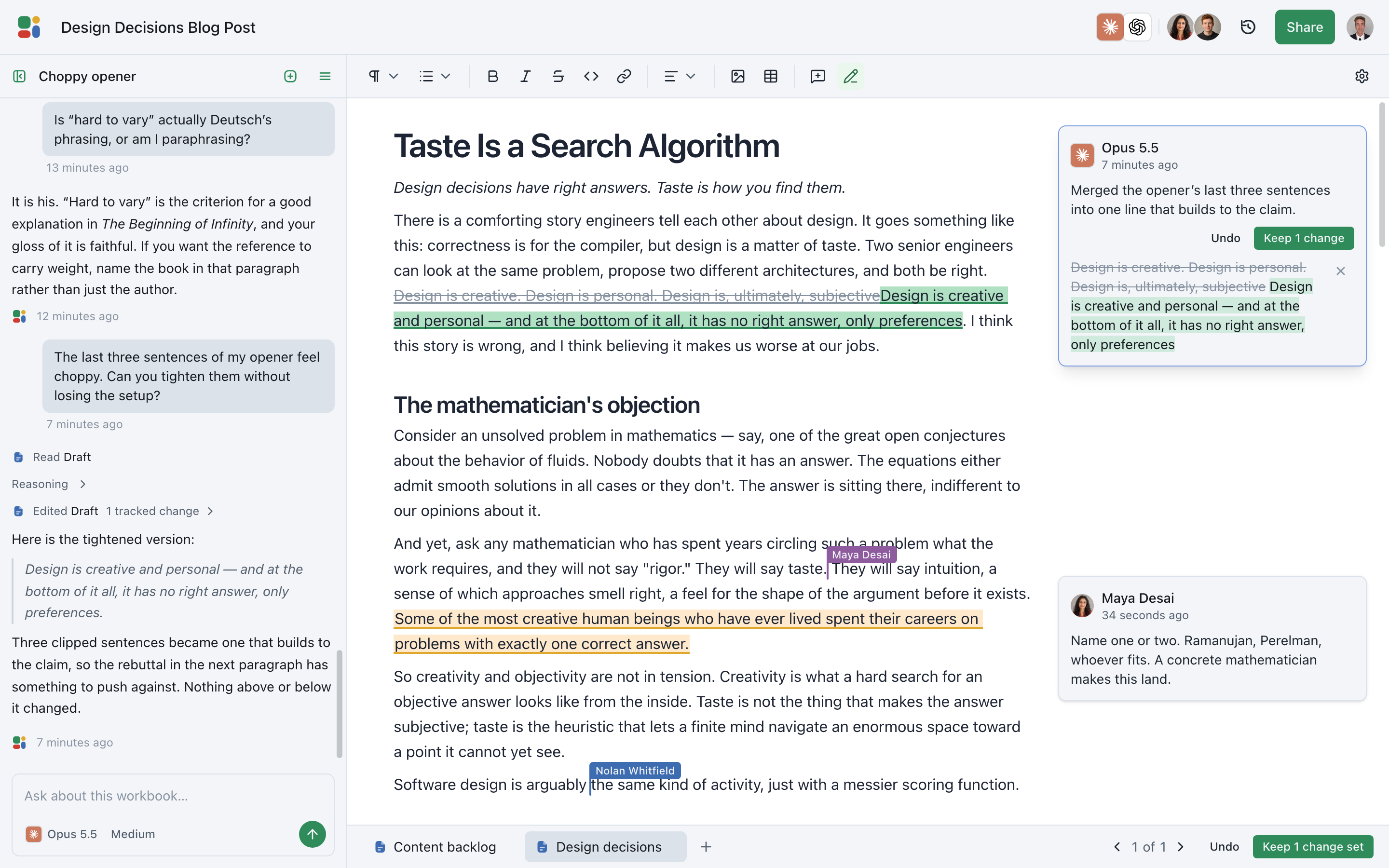
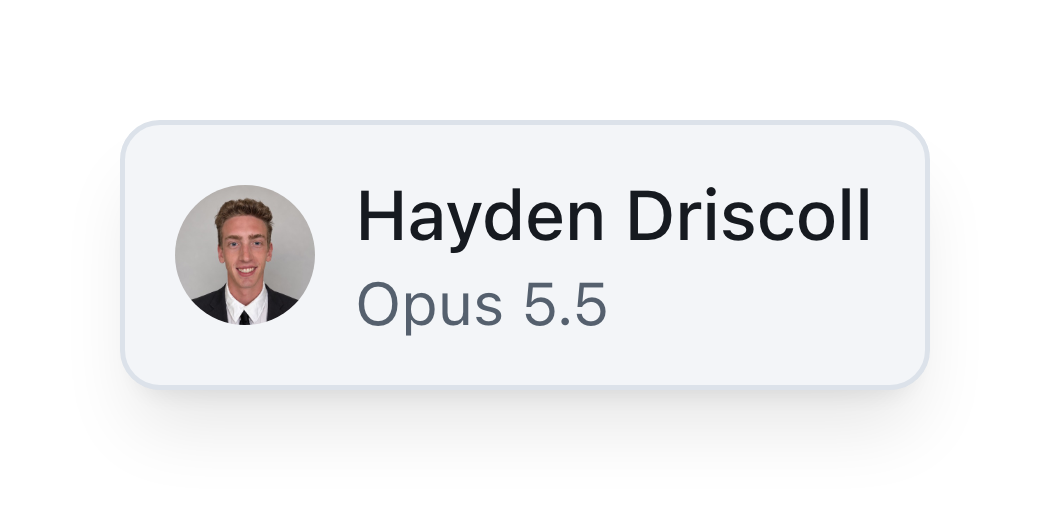
Docs has the multiplayer essentials you already expect: live presence, color-coded cursors, comments, and edits that appear immediately for everyone in the document.
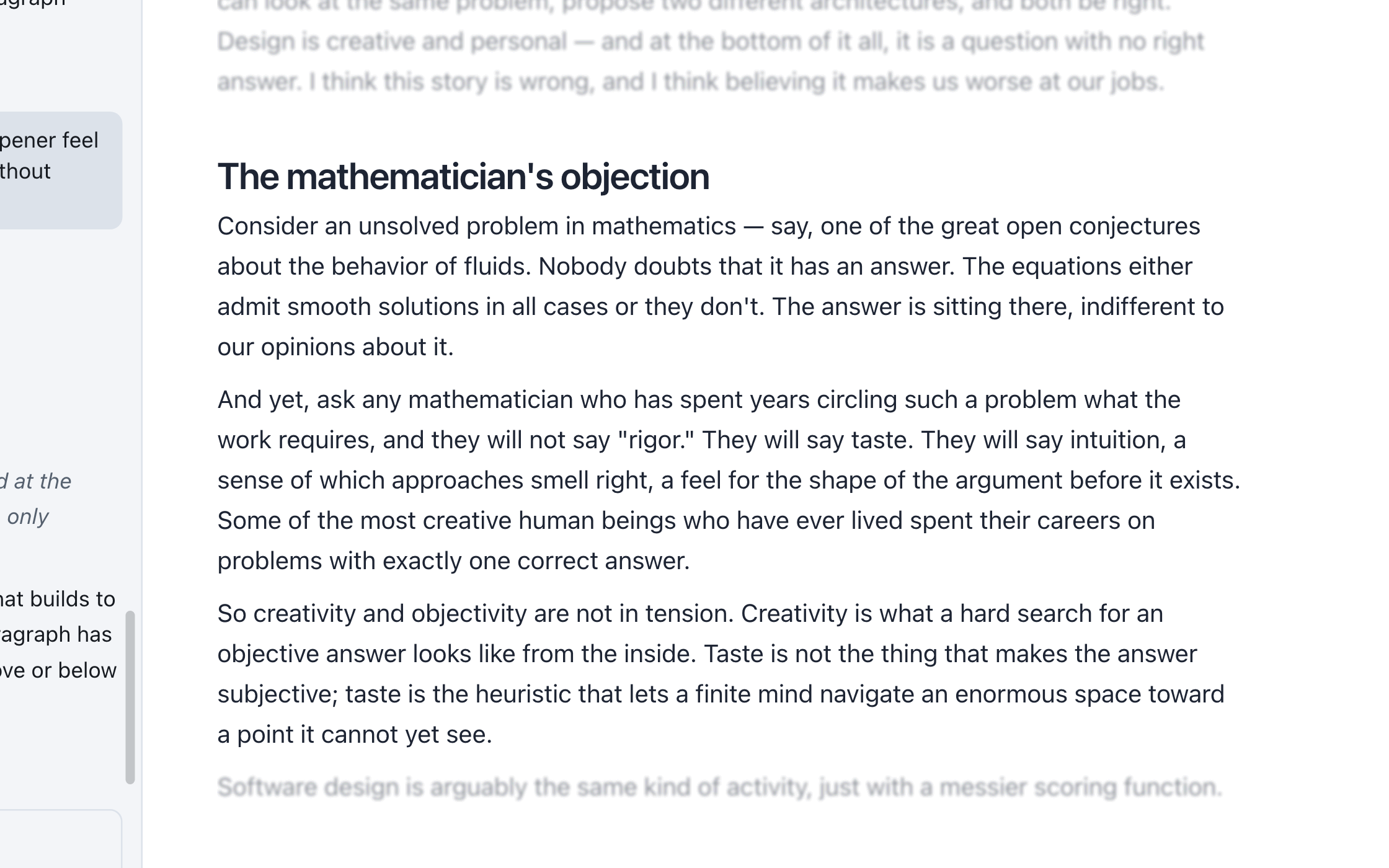
Agents participate in that same visible workspace instead of disappearing behind a chat window. You can see when they arrive, where they are working, and exactly what they contribute alongside the rest of your team.
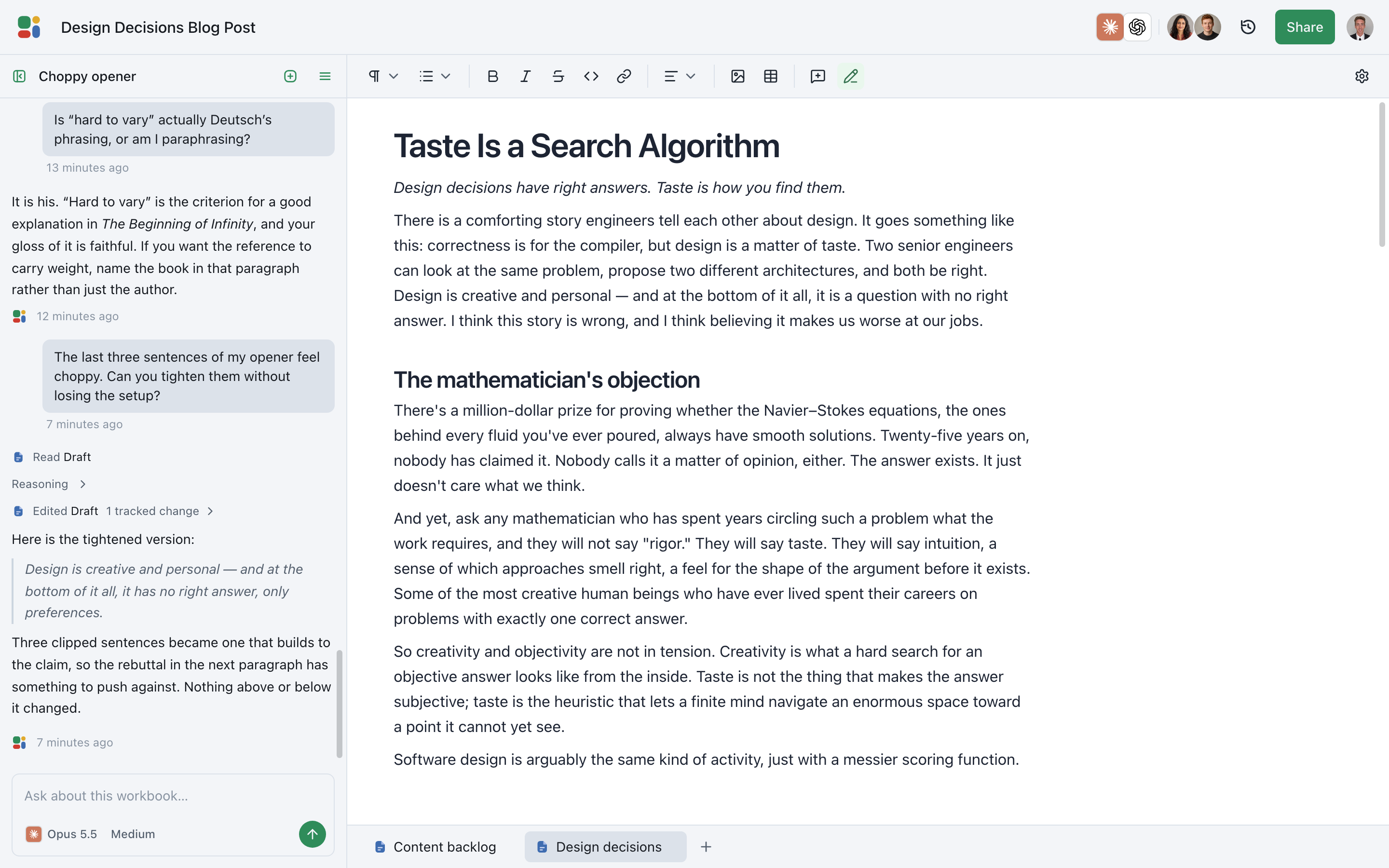
Partial updates
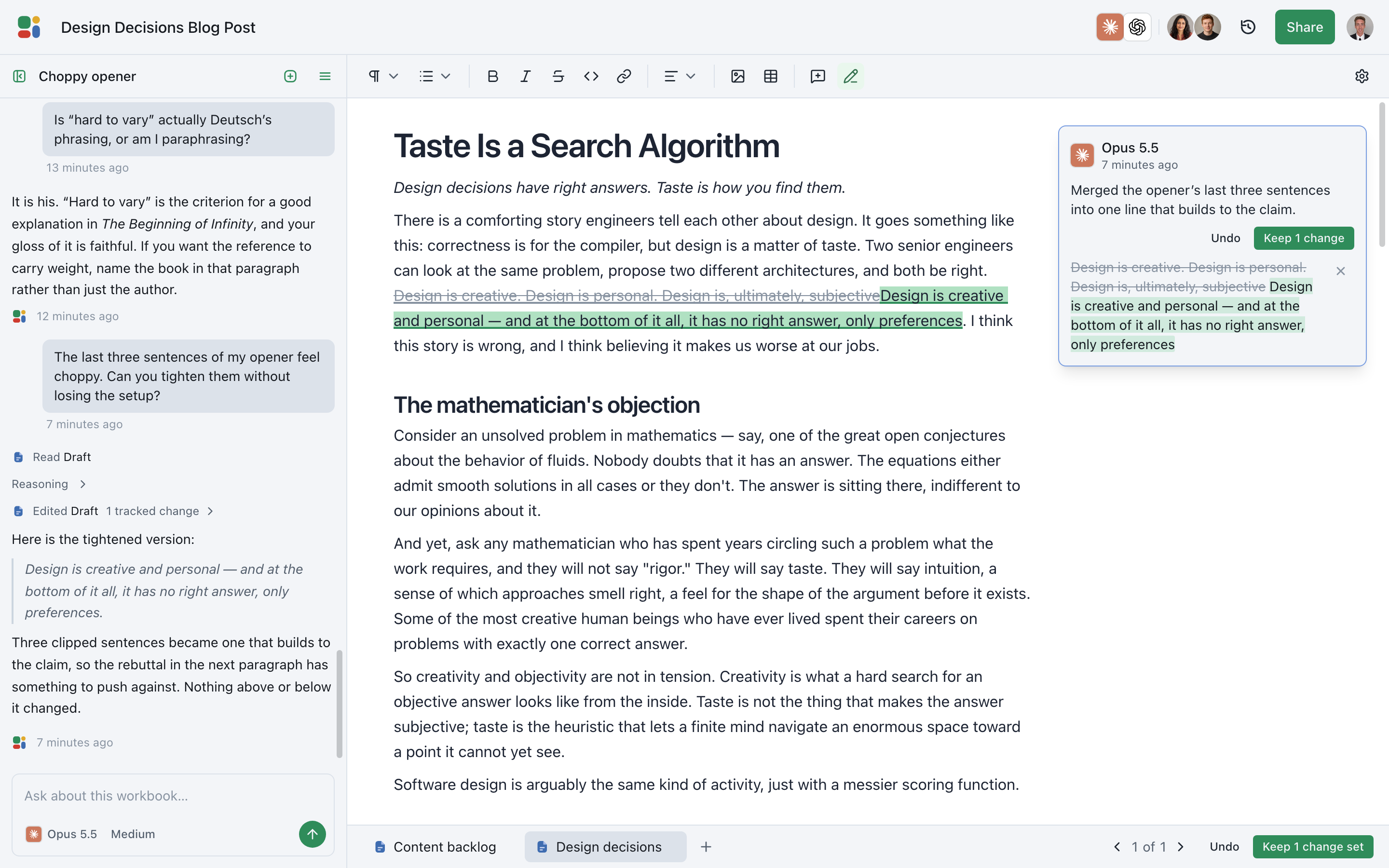
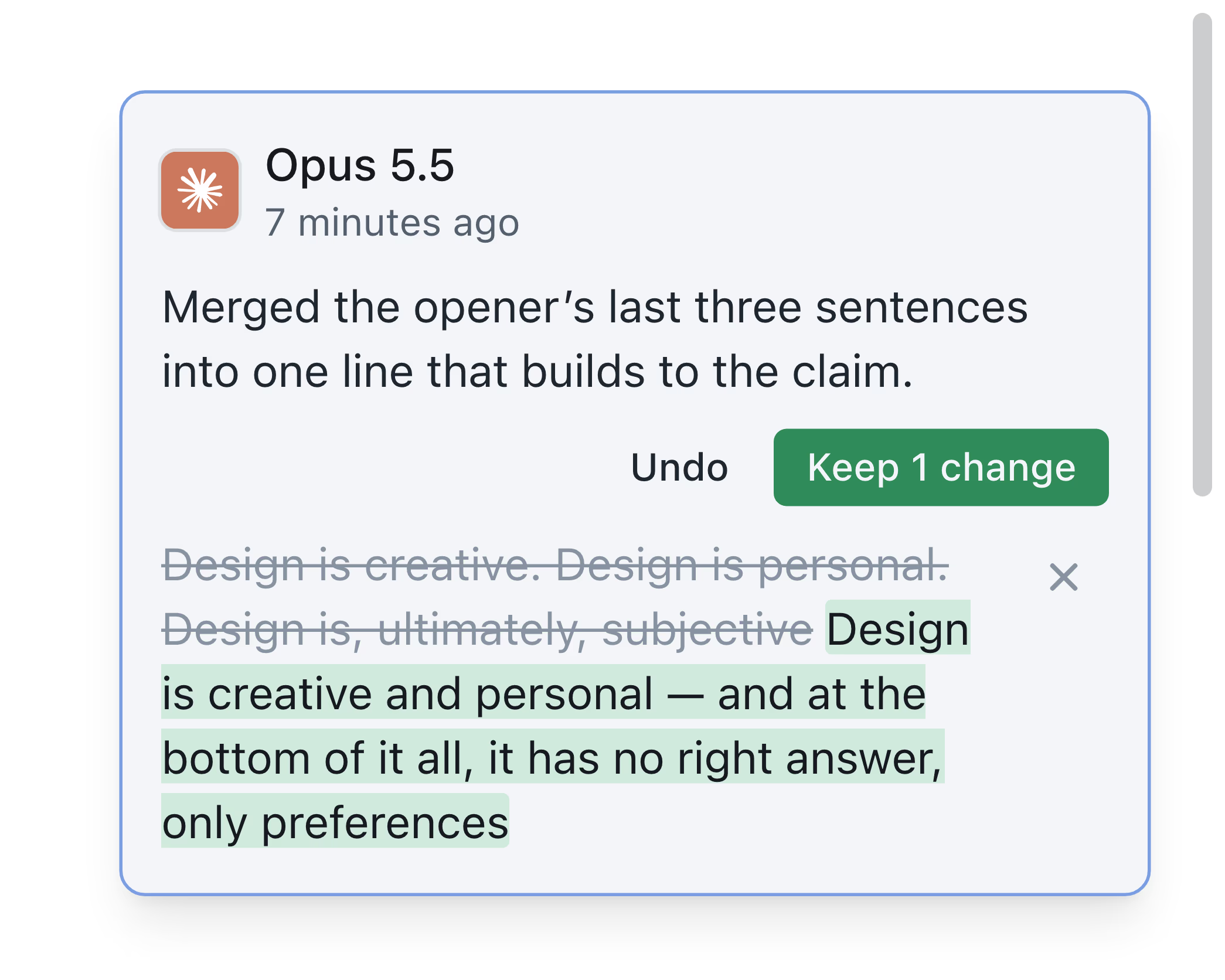
Make a precise update without disturbing the rest.
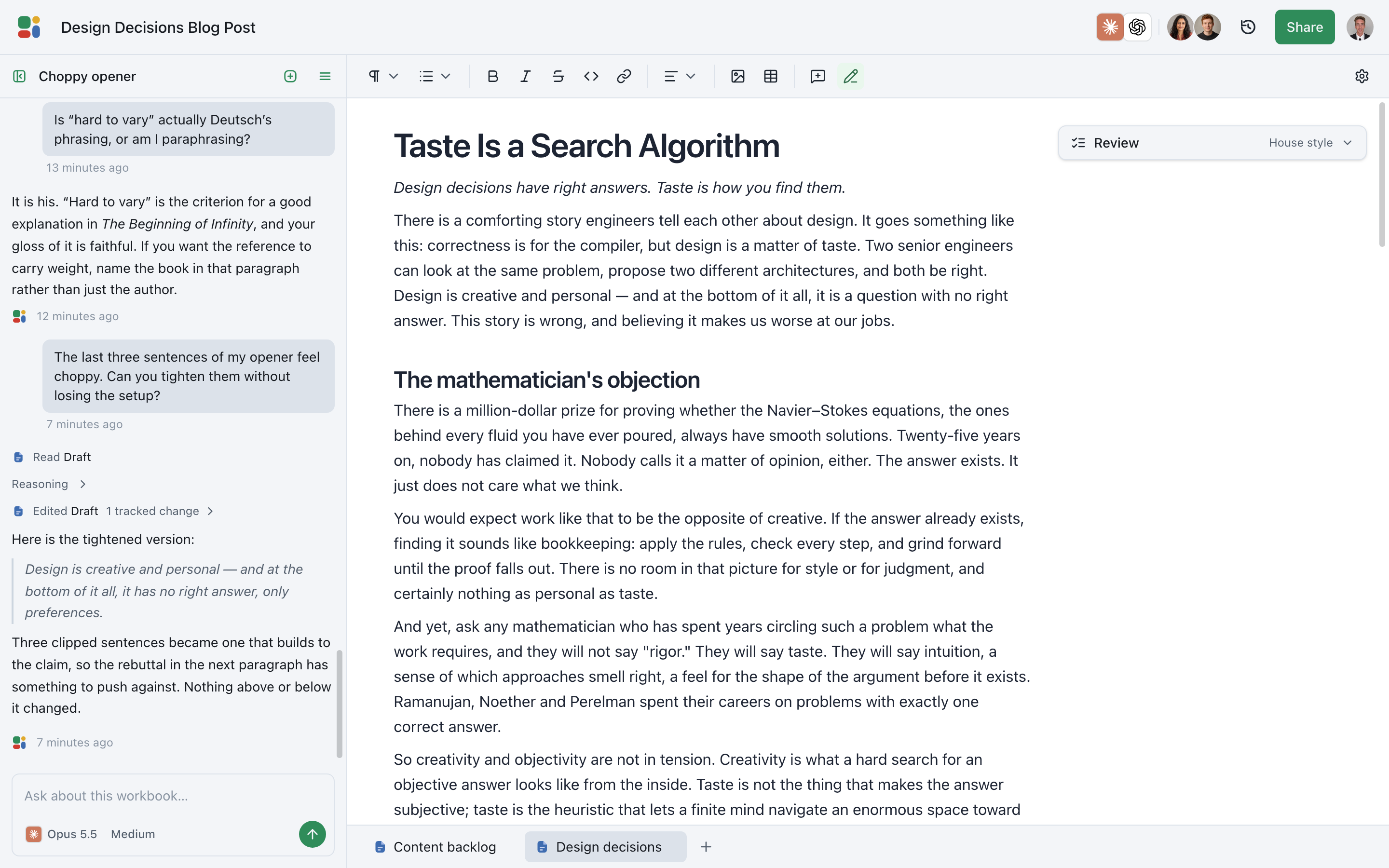
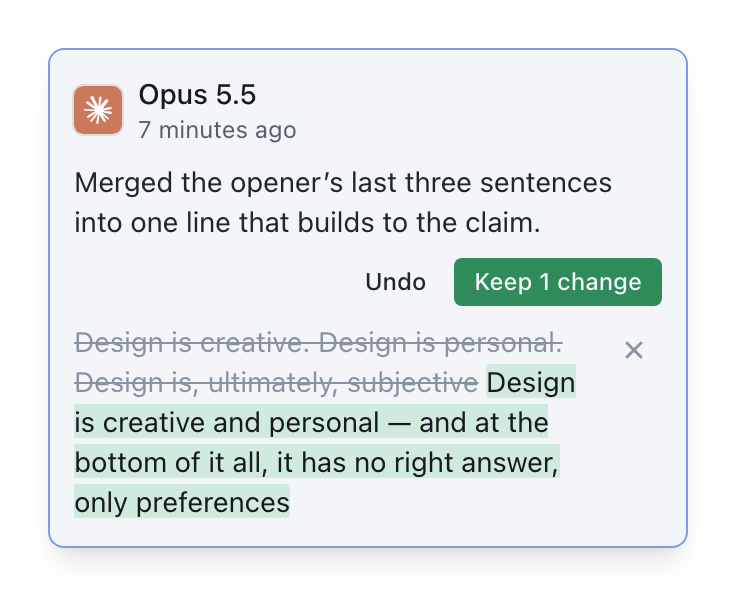
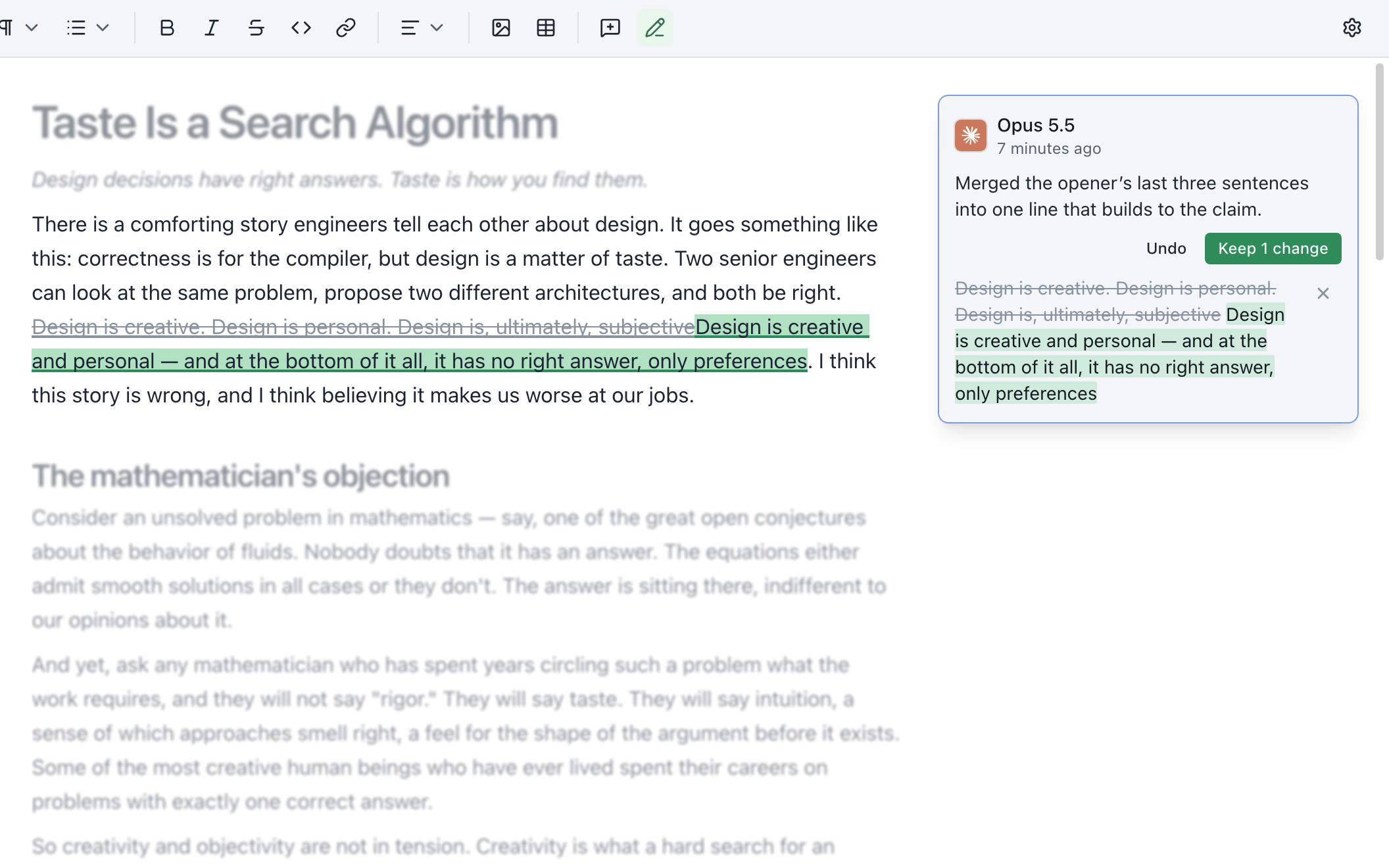
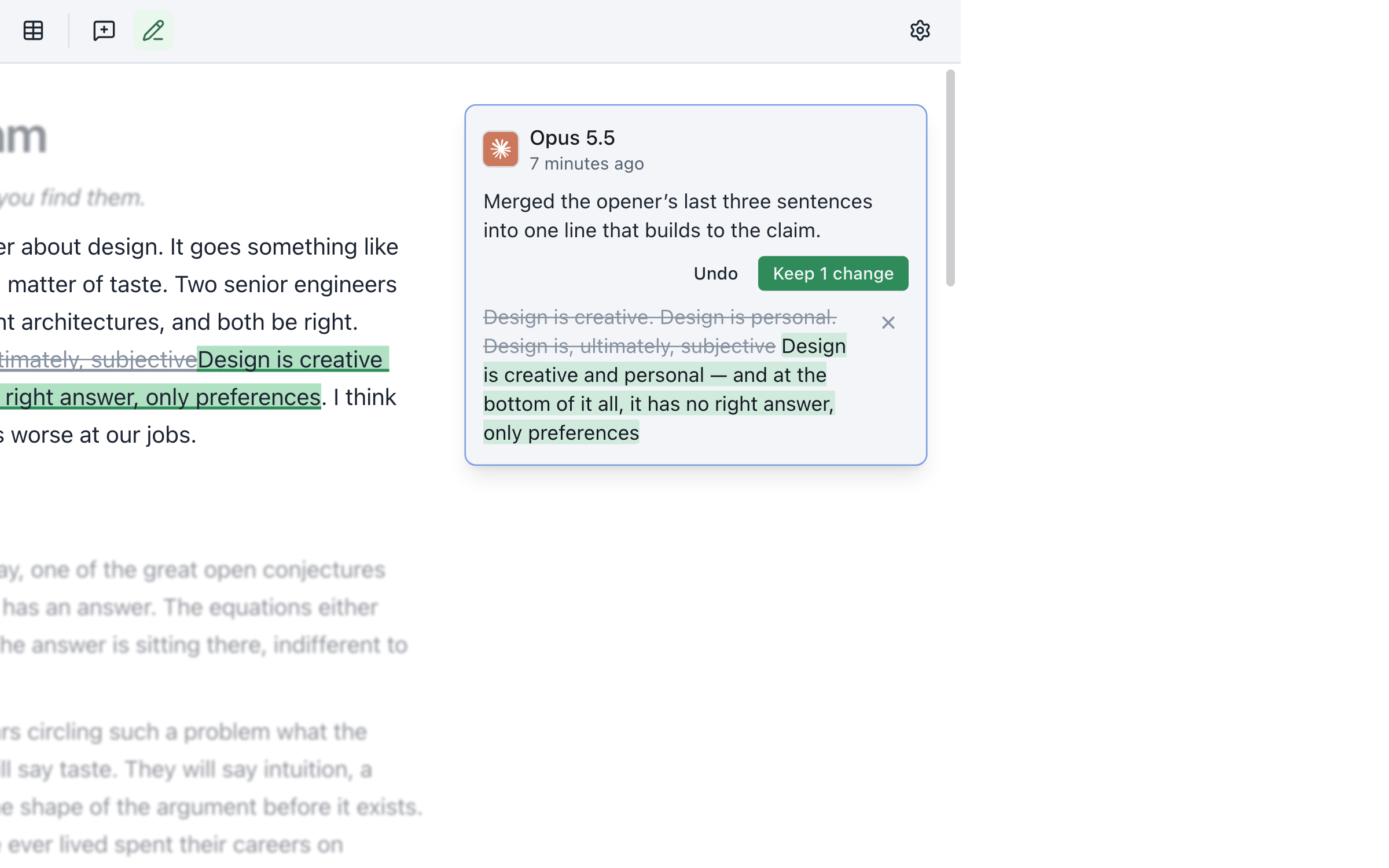
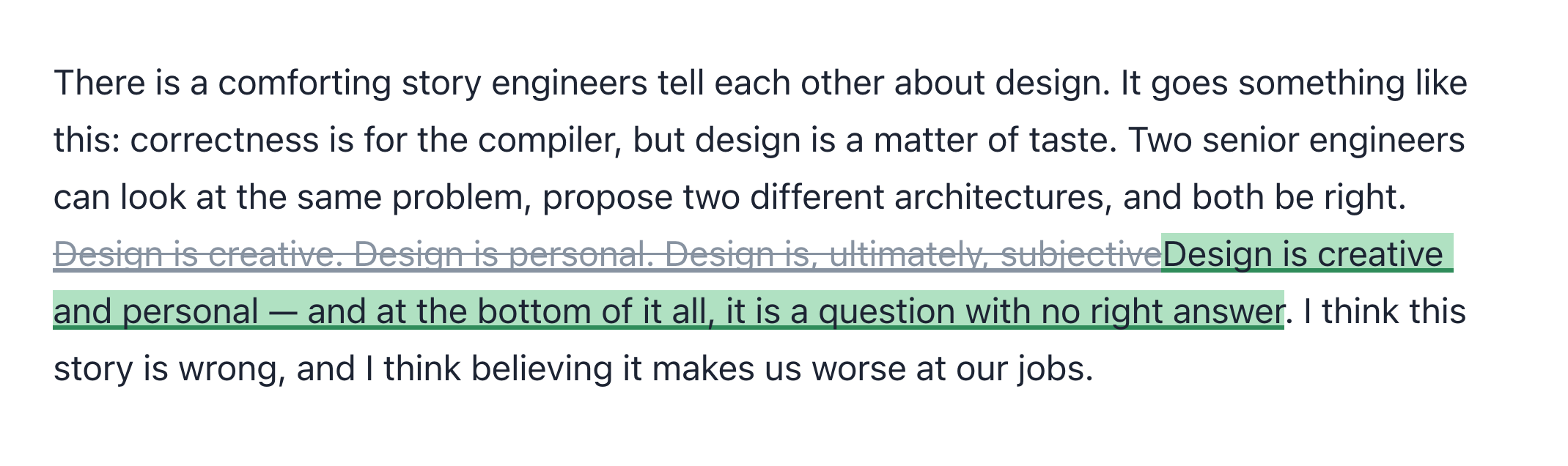
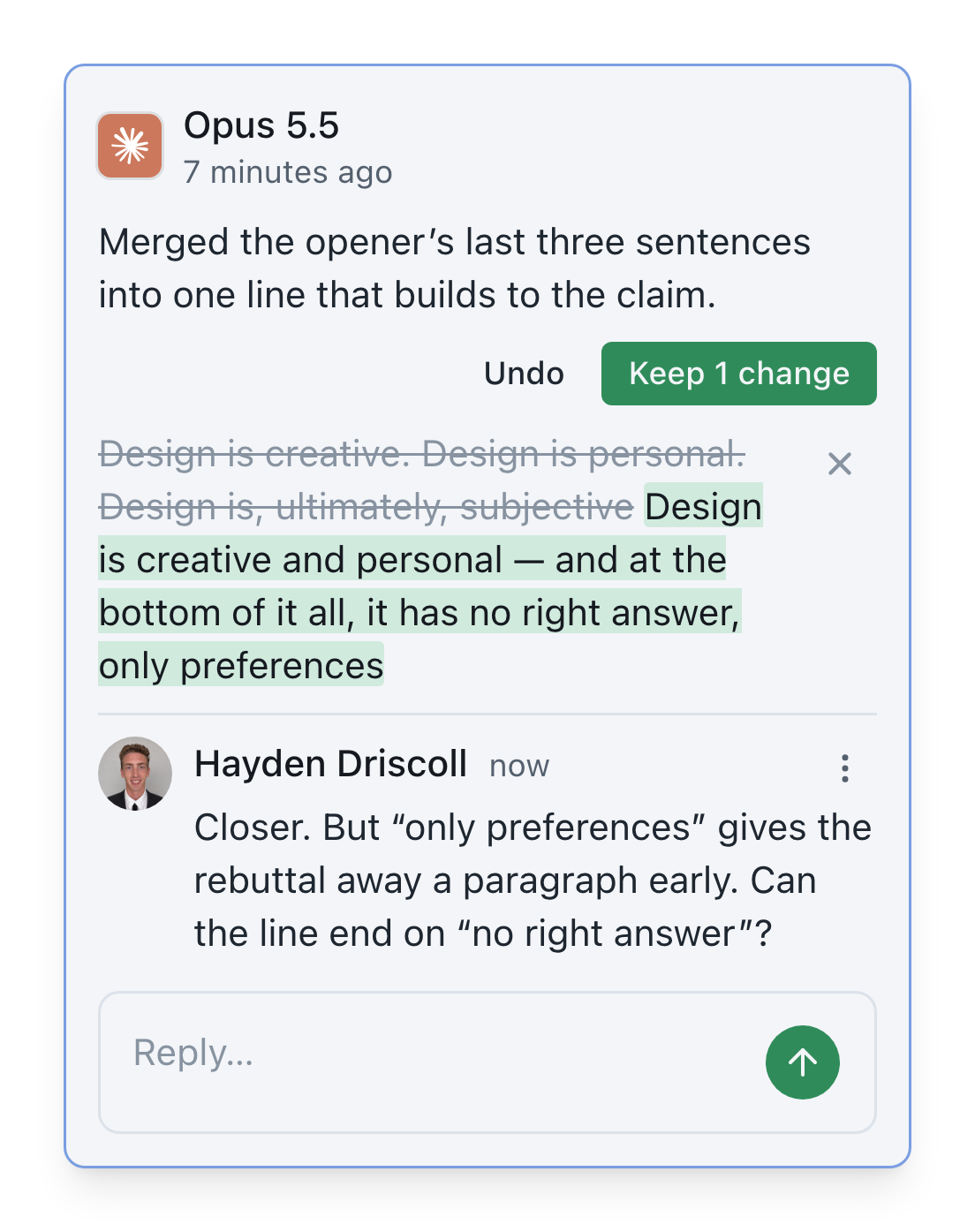
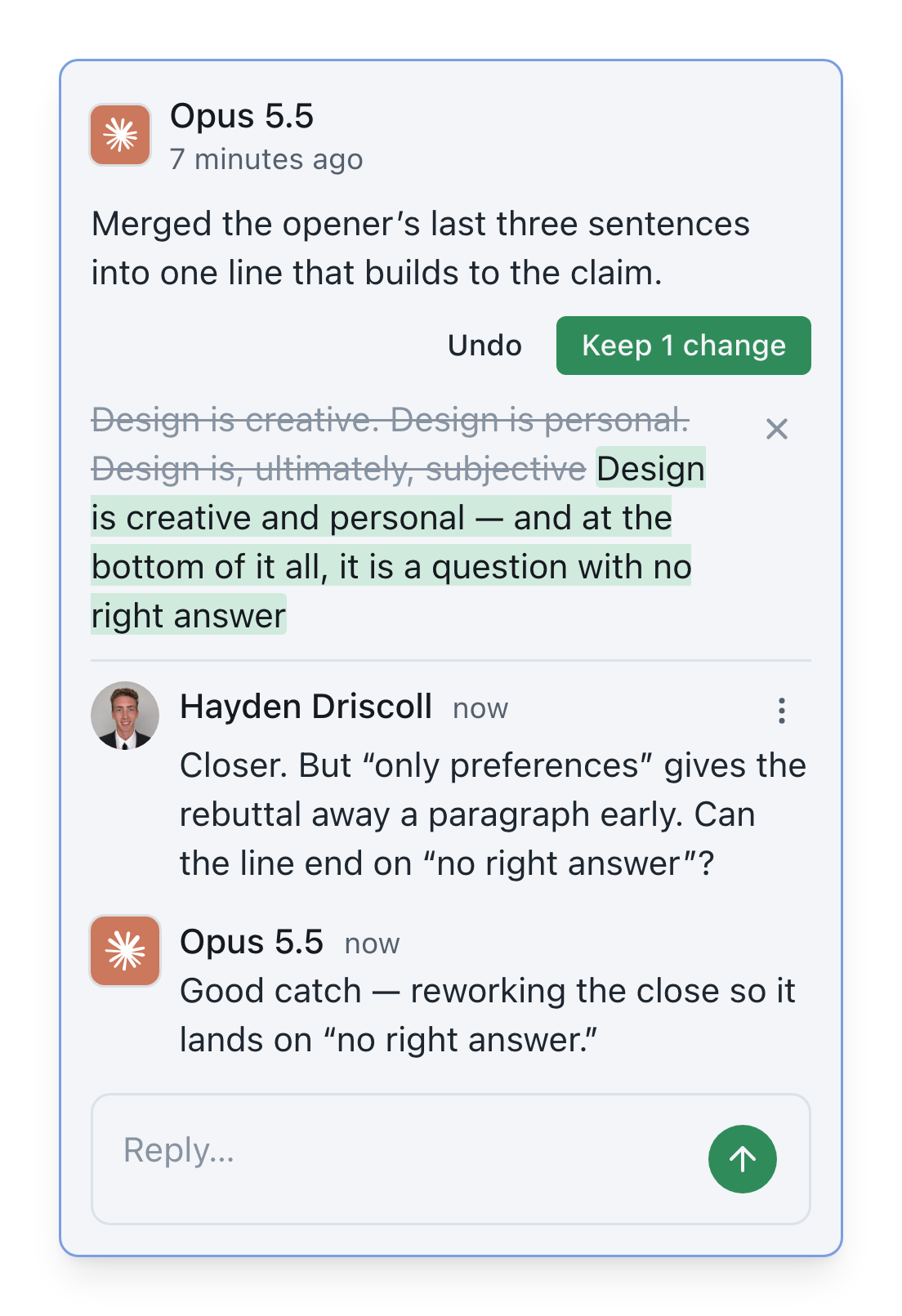
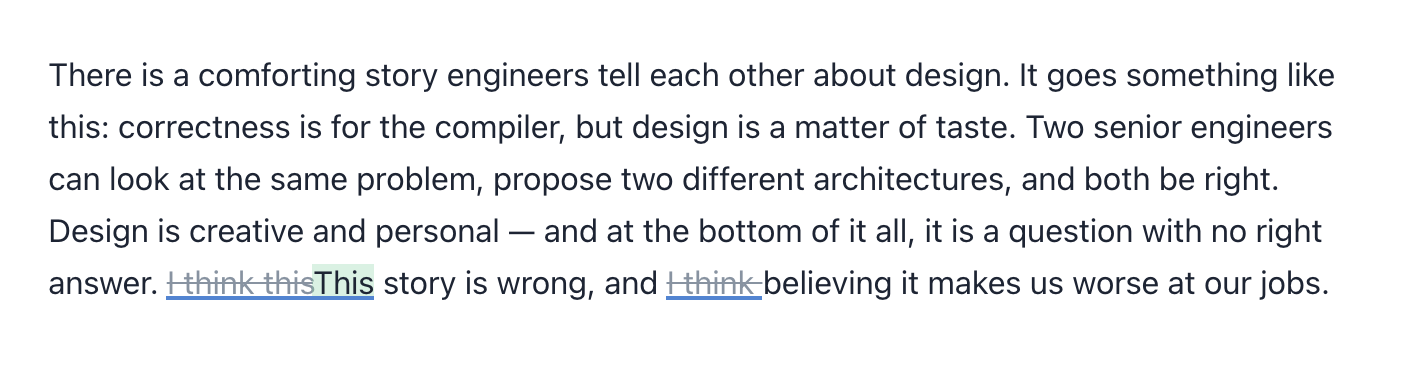
Share a sentence, paragraph, or section with an agent and keep the scope of the task explicit. Docs brings the proposed update back to that exact location instead of replacing the document with a newly generated copy.
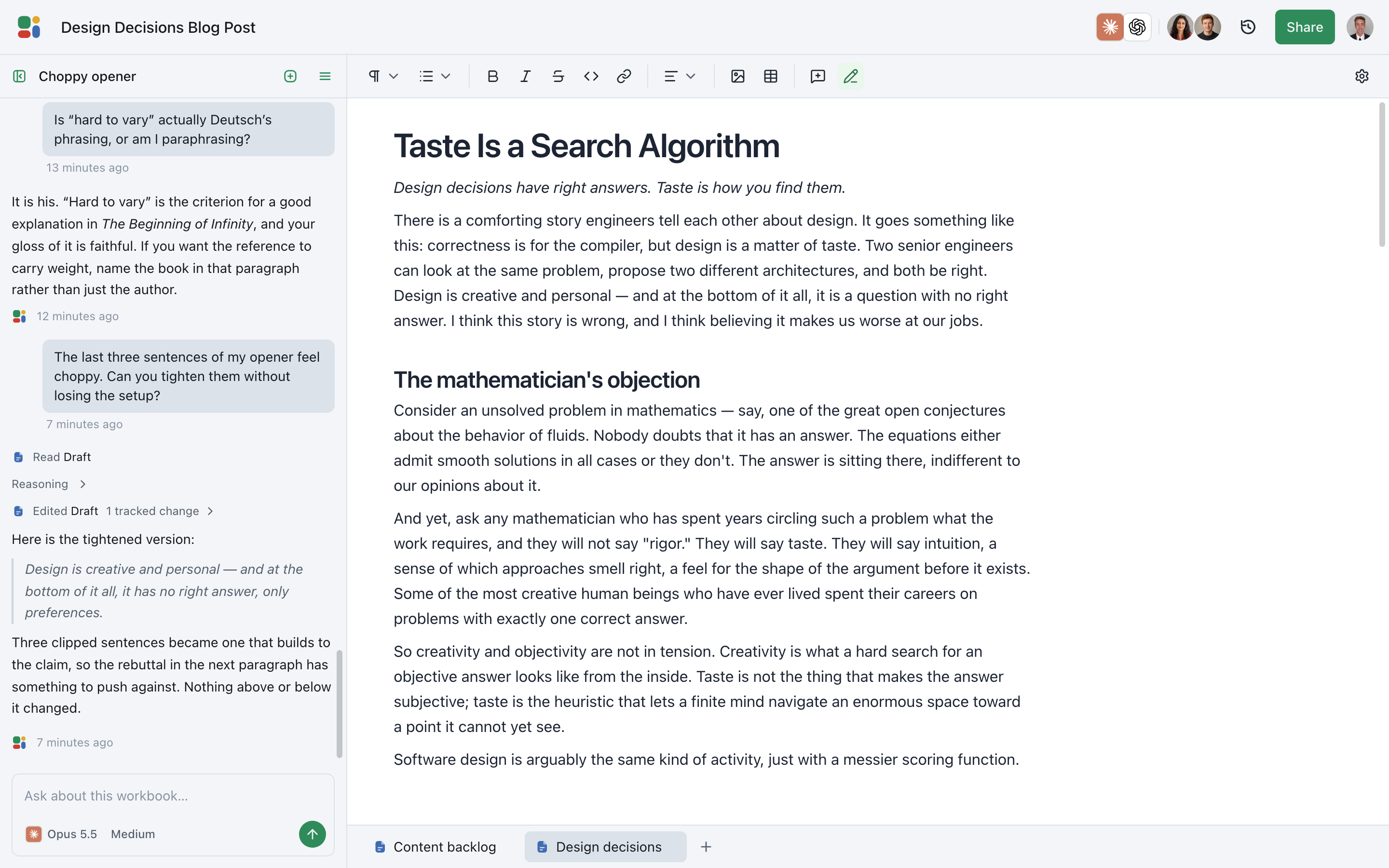
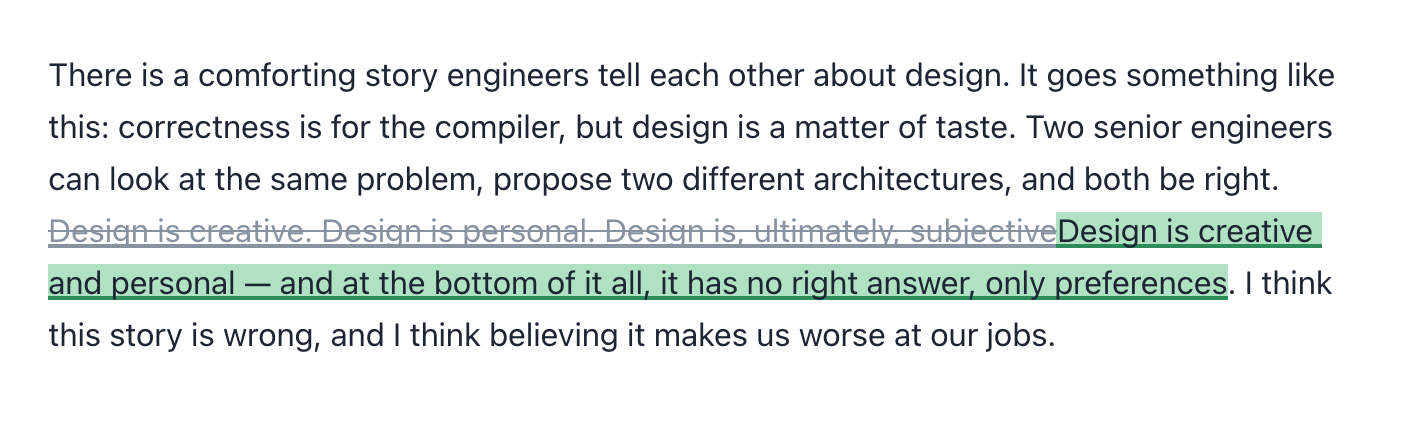
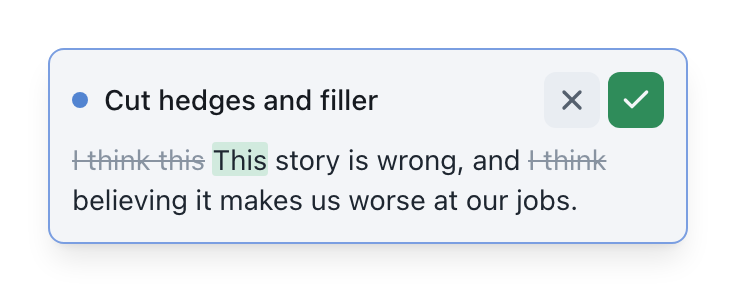
Each addition and removal arrives as a familiar inline diff. Accept the changes that improve the draft, reject the ones that do not, and leave everything outside the requested passage untouched.
Multiple generations
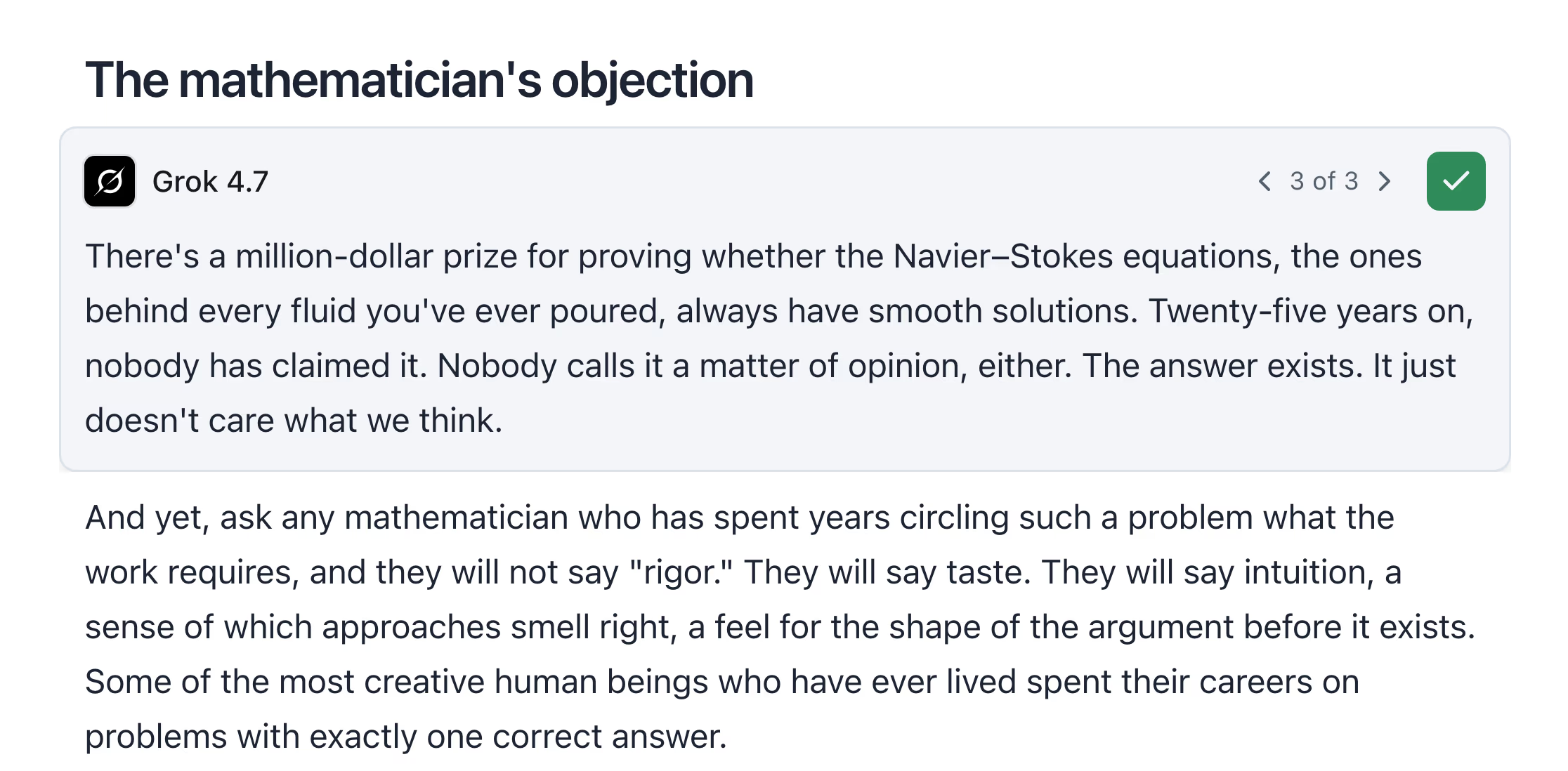
Compare several rewrites before choosing one.
Highlight a sentence, paragraph, or section and ask Docs for a focused rewrite. It generates multiple alternatives beside the source, giving you room to compare tone, structure, and direction before committing.
Choose the strongest option and it drops into the exact place it belongs. Everything outside your selection stays untouched, so exploring alternatives never puts the rest of the document at risk.
Batch feedback
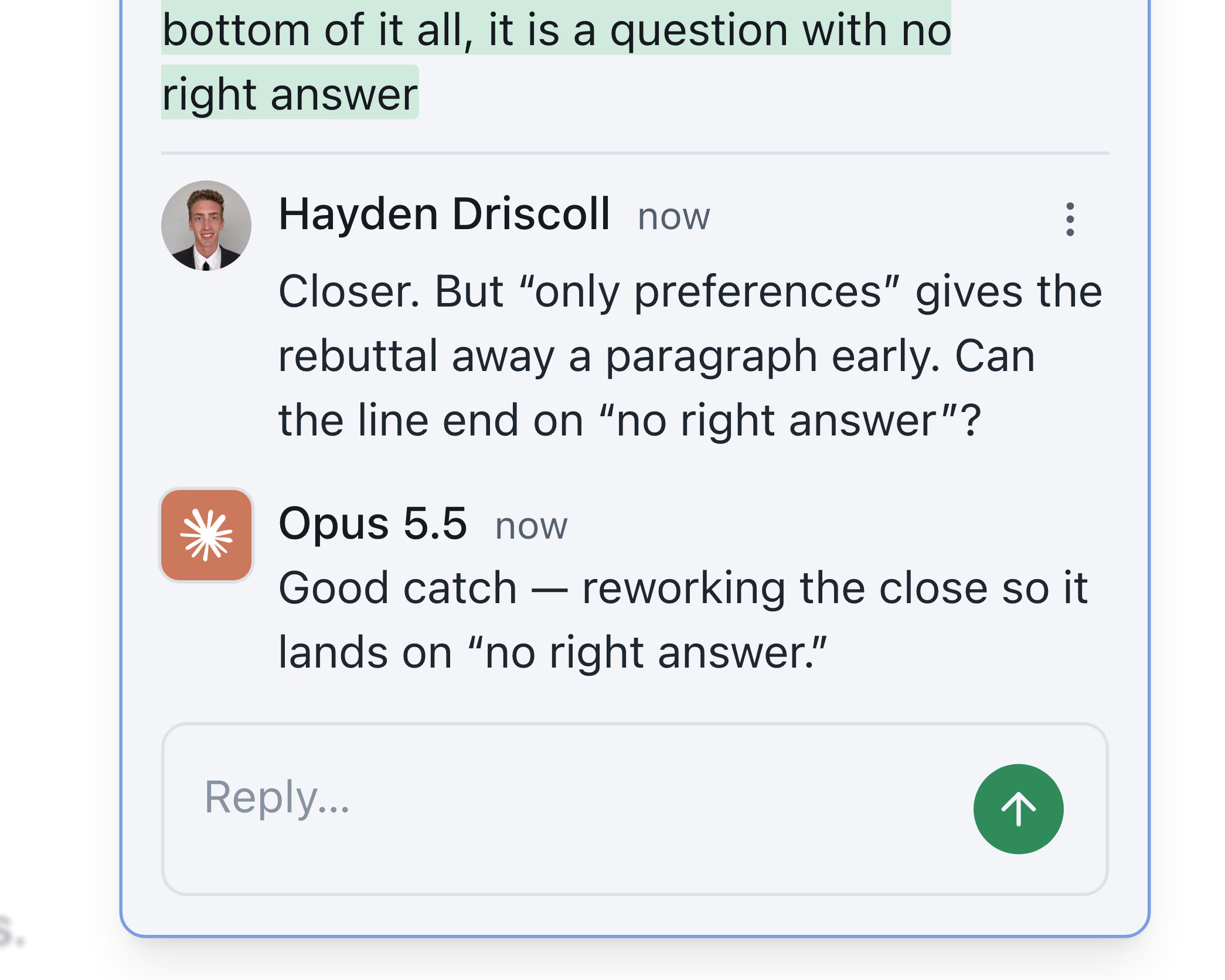
Leave a complete review before the agent changes a word.
Review the document at your own pace and leave comments wherever the draft needs attention. The agent waits while you think, so its early edits never interrupt or invalidate feedback you have not finished giving.
When you submit, Docs addresses the comments together and shows the status of each one. The result is a coordinated revision shaped by your complete intent, not a chain of disconnected reactions.
Custom rules
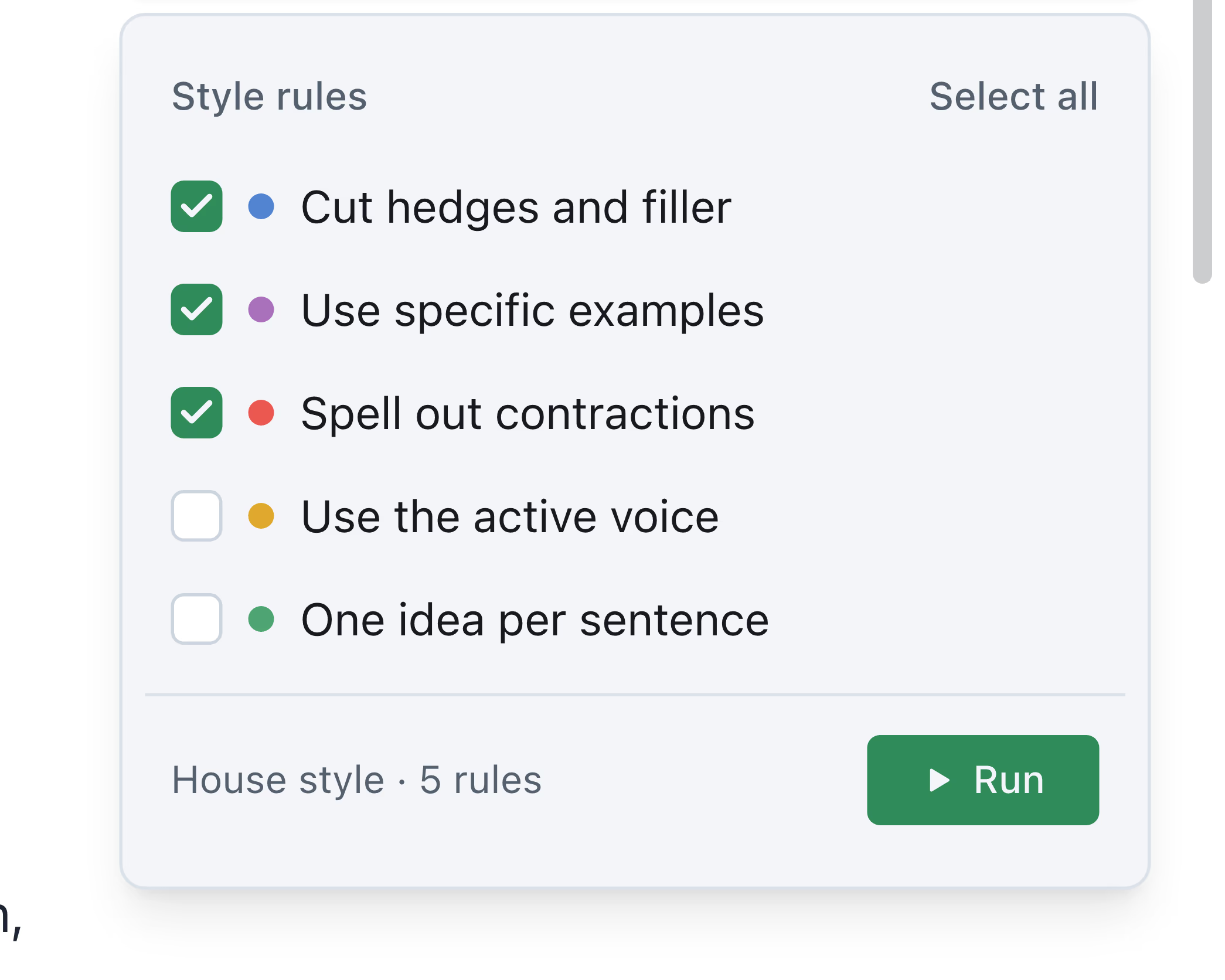
Run every writing rule at once.
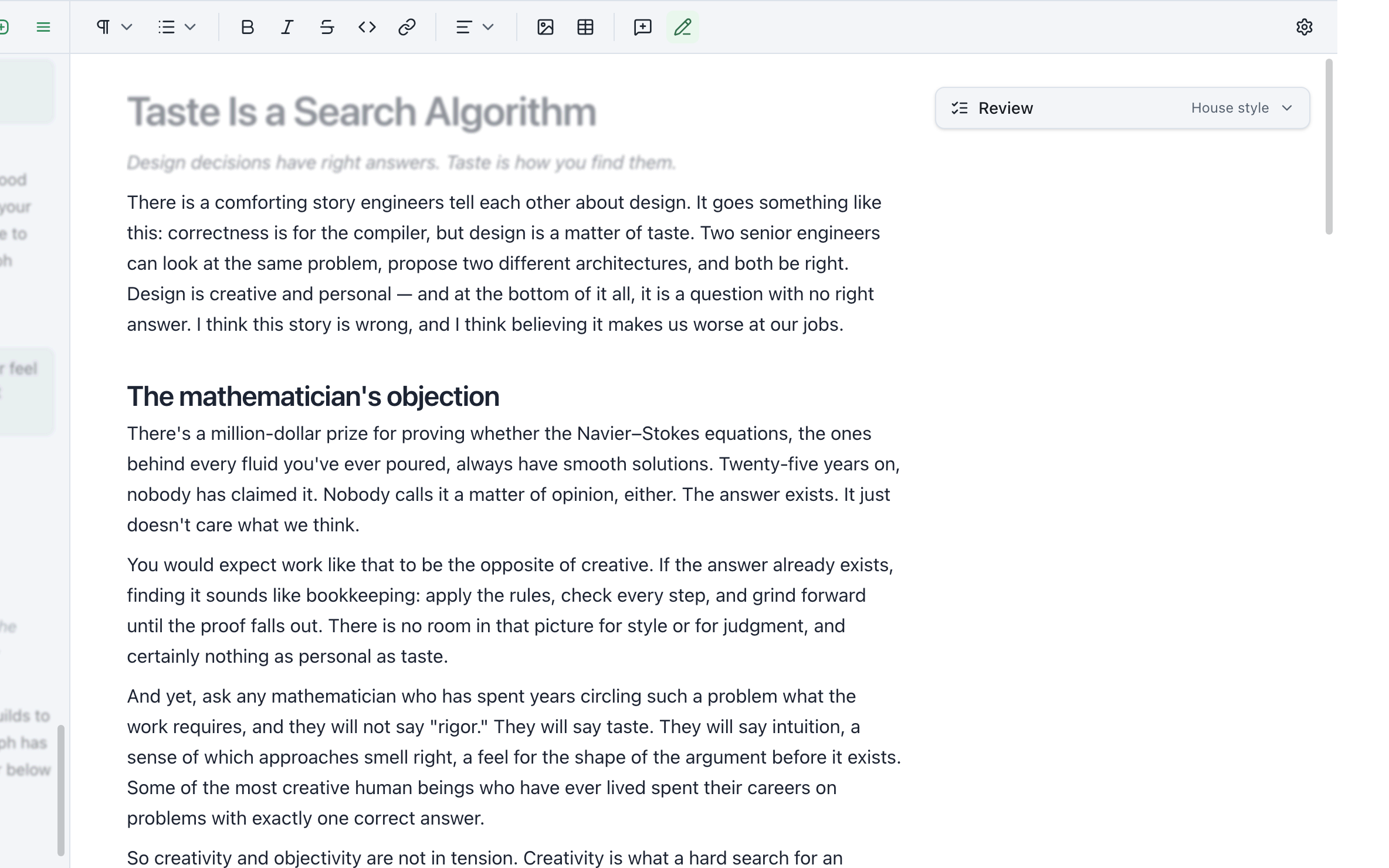
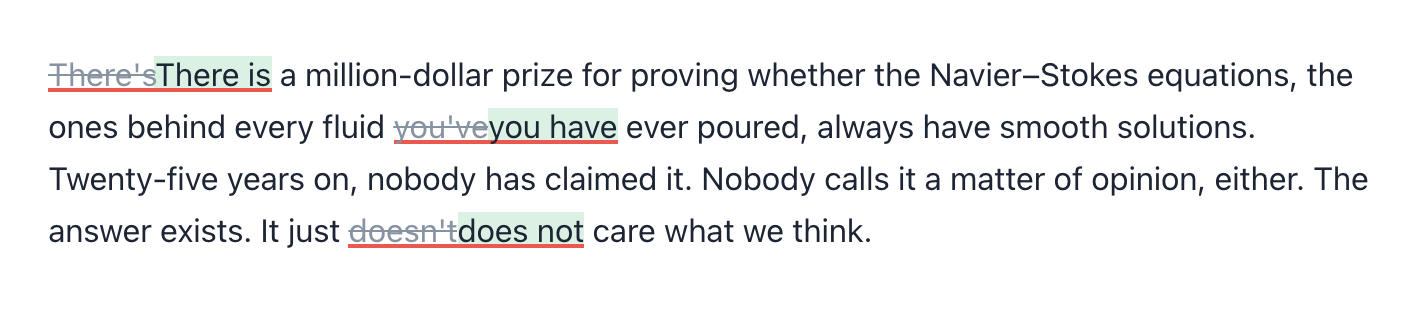
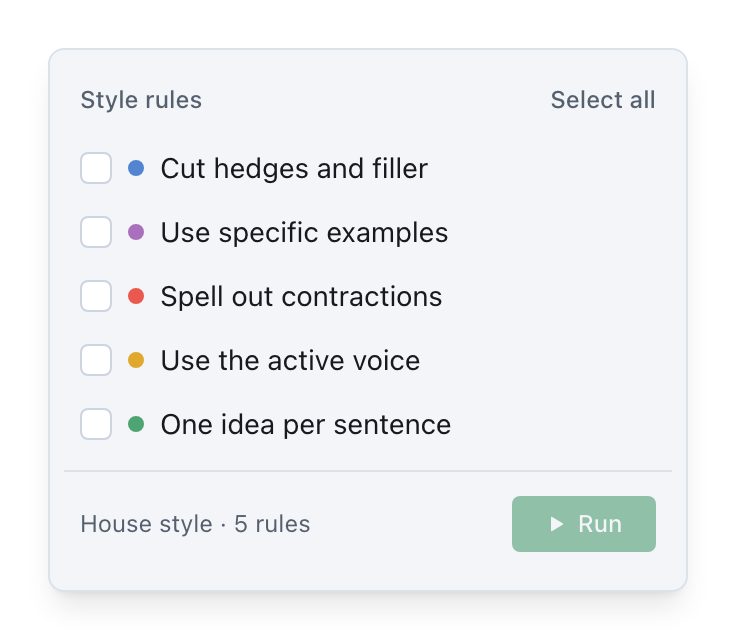
Grammar is only the baseline. Add the rules that matter to your work: brand voice, sourcing requirements, reading level, prohibited phrasing, strong verbs, or anything else you can describe.
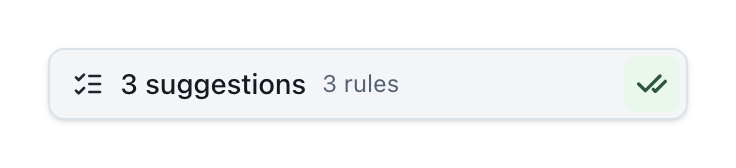
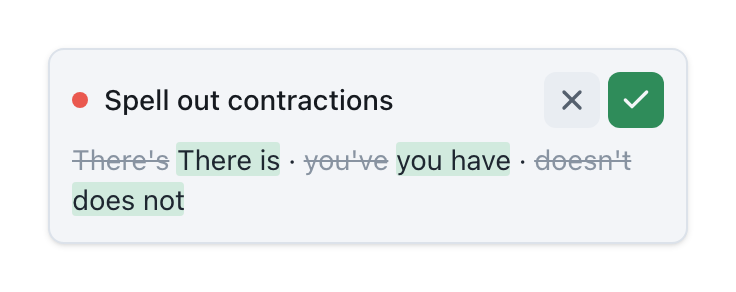
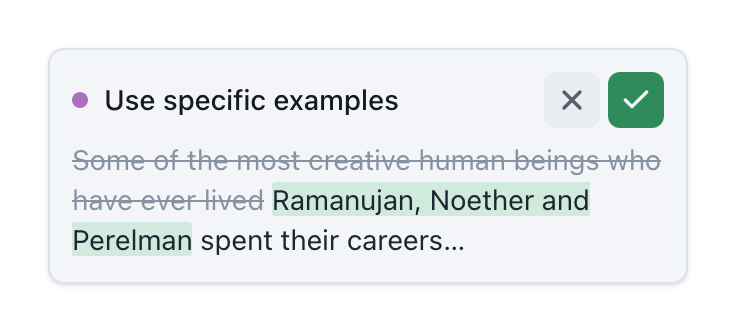
Docs evaluates every rule in parallel and anchors each result to the relevant passage. A review that once required several slow passes becomes one fast, structured view of the whole draft.
Text diffusion
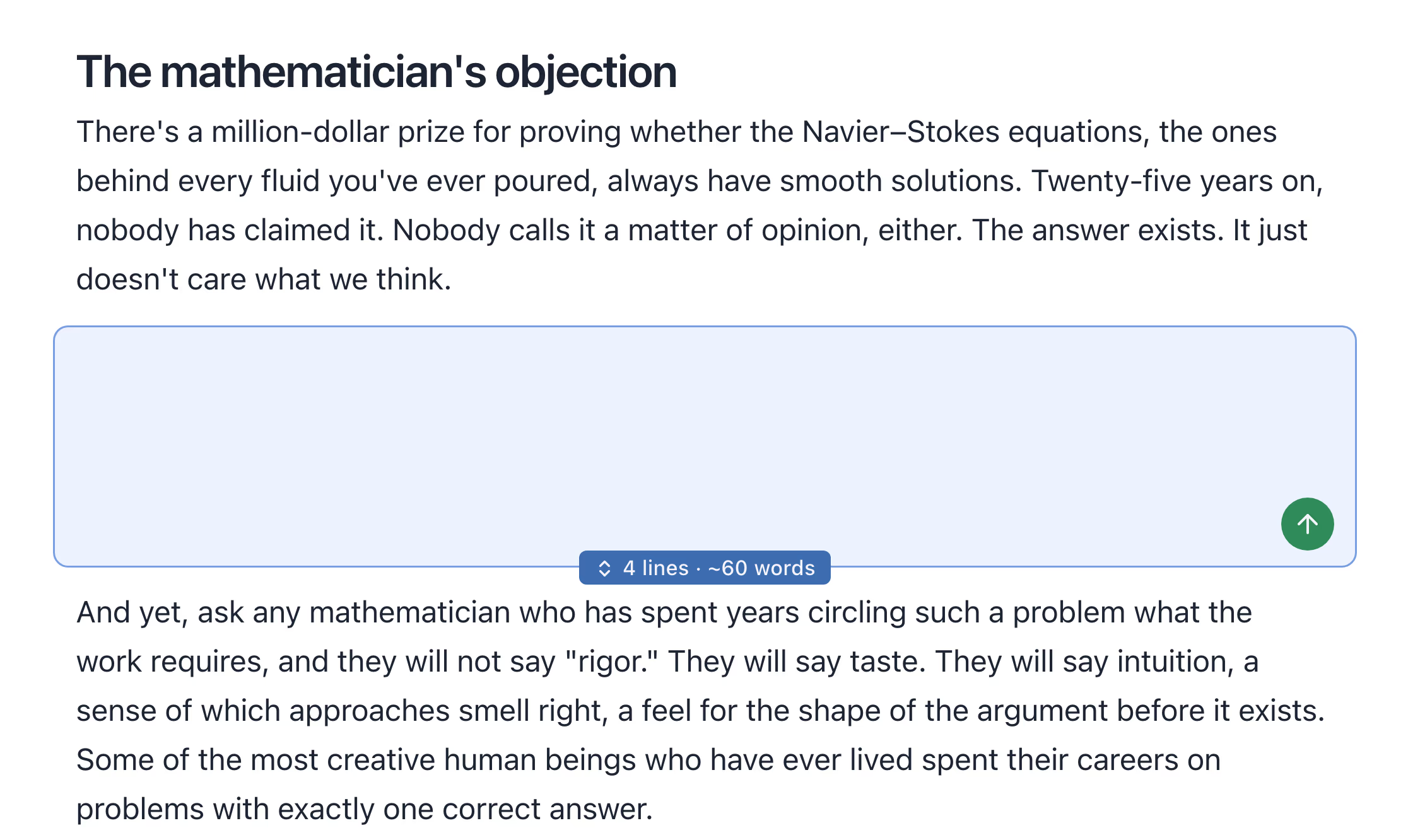
Write the beginning and the end. Diffusion finds the way between.
Start with the two ideas you know you want to connect. Drop a diffusion box between them, then resize it to show how much writing belongs in the gap. Docs turns that shape into prose right where it will live.
There is no separate prompt to compose and no generated answer to paste back into your document. You stay in the flow of the draft while the model works from the context already on the page.
Our agent, or yours.
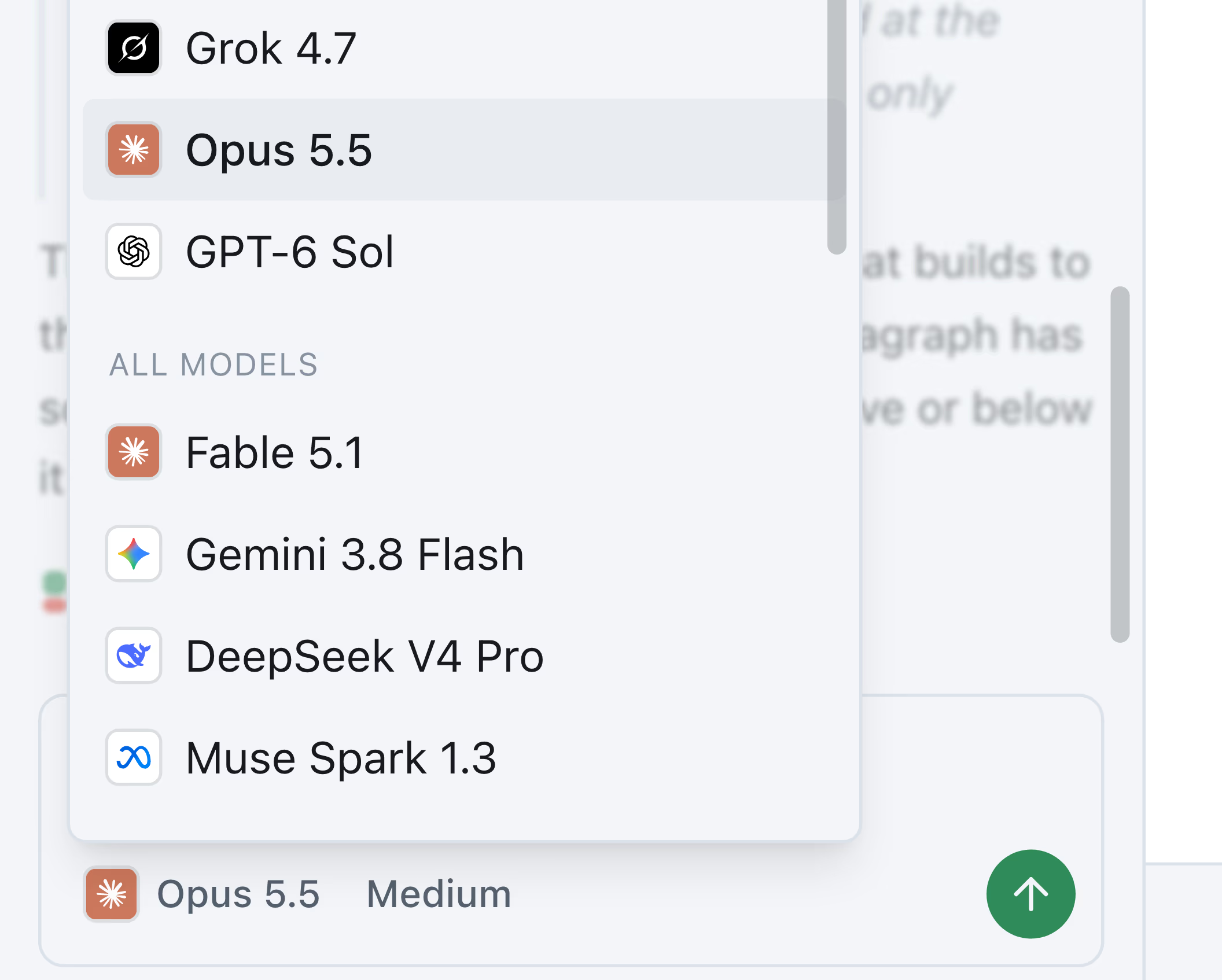
Docs ships with a thoughtful built-in agent. Prefer your own? Connect it through our MCP server, CLI, or SDK. Partial updates, diffs, and batch comments all work the same.
Go forth and write.
And let AI help you, without maddening feedback loops
Try Docs. It's free